Windows app
The standard usage of Push to Computer - Cool Maze is:
- Install the app once, on your mobile phone;
- Send to any computer, in the web browser, without any installation.
However, some users often send documents to the same computer: their own. They can now install the Push to Computer receiver on Windows, from the Microsoft Store.
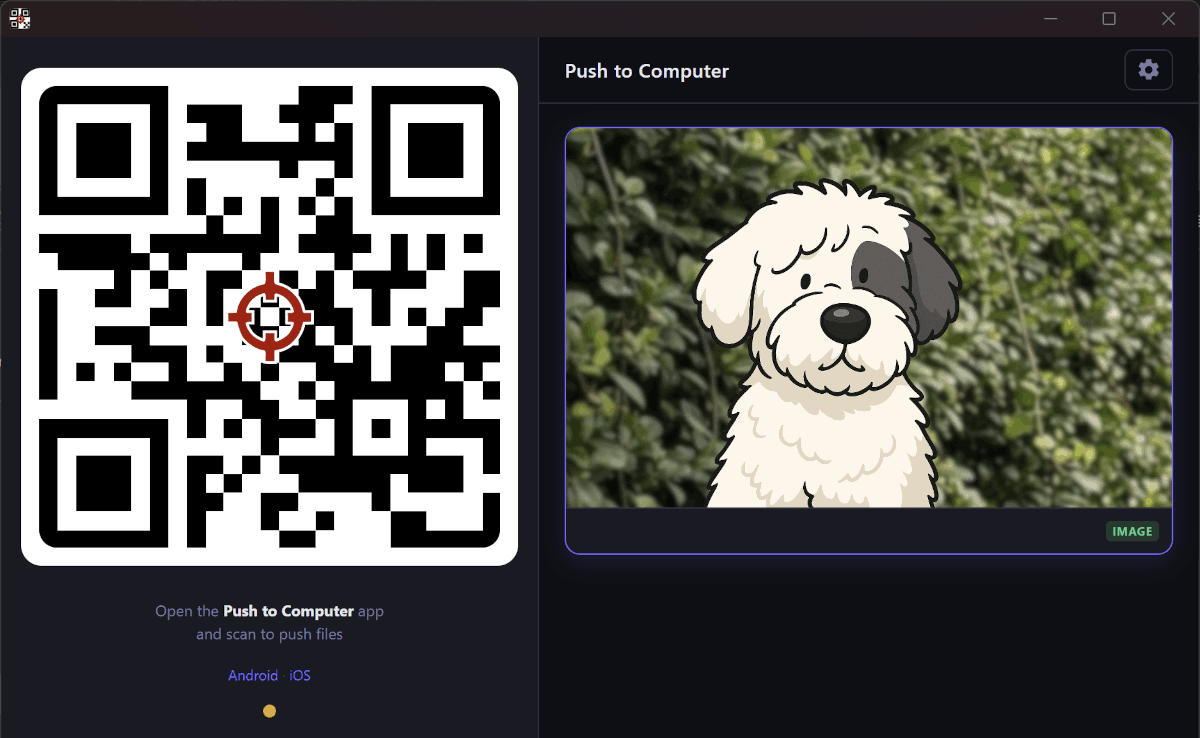
This app has 2 advantages over the web client:
- The received documents are stored directly to your filesystem, in a subfolder of Downloads;
- A new QR code is displayed directly after each share action. Keep sending more!
Privacy is guaranteed by the same end-to-end encryption protocol.
Give it a try → Push to Computer Windows app on the Microsoft Store
Not on Windows? The web page works everywhere.